

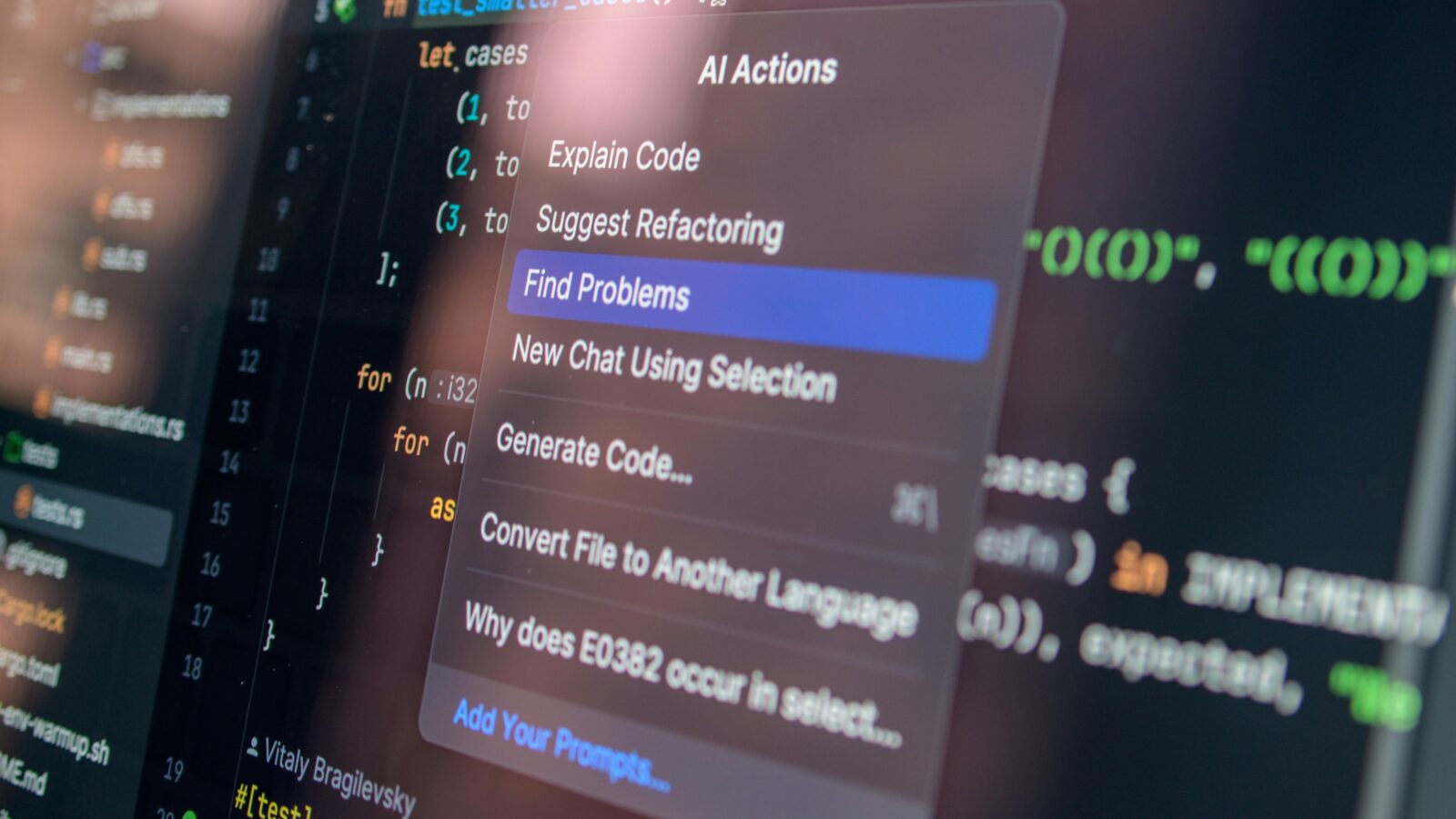
Students face constant pressure. Deadlines stack up. Notifications pull attention away. Many try to keep up, but end up tired and unfocused. This is how burnout starts. It does not happen at once. It builds slowly with stress and overload. One key issue is cognitive load. When too much information comes in, the brain struggles to process it well.
AI tools can help manage this pressure. They do not replace studying. They support planning, focus, and understanding. Used in the right way, they help students stay on track without extra strain. In this article, we compare and review 10 AI tools that can support daily study habits. Let’s start with a clear comparison table.
Comparison Table of AI Tools
Students often try many tools but struggle to see clear differences. Some tools focus on writing, while others help with planning or research. A simple table can save time and reduce confusion. It shows what each tool offers and how much it costs. This makes it easier to choose based on real needs, not guesses. Below is a clear comparison of 10 AI tools that support study tasks, focus, and time management.
| Tool Name | Plans | Price | Key Features |
| EduBrain | Free, AI Plus | $0/week, $3.99/week | Homework help, answers, flashcards, notes, diagrams, research assistant, file upload, downloads |
| Perplexity | Free, Pro, Max | $0, $20/month, $200/month | Source-backed search, deep research, file work, fast topic exploration |
| Claude | Free, Pro, Max | $0, $20/month, from $100/month | Explains complex topics, edits writing, and handles long documents well |
| Notion AI | Free, Plus, Business, Enterprise | $0, about $10–12/user/month, about $20–24/user/month, custom | Presentations, visual slides, and quick learning material creation |
| Grammarly | Free, Pro, Business, Enterprise | $0, $12/month billed annually, $30/month, custom | Grammar checking, tone improvement, rewriting, and polishing an academic text |
| Read AI | Free, paid plans | $0, from $29.75/user/month | Meeting transcripts, summaries, note search, and group study support |
| StudyAITool | Free Basic, Premium | $0, $9.90/month, promo $2.90/month | PDF chat, flashcards, quizzes, study plans, document analysis |
| Microsoft To Do | Free, Microsoft 365 ecosystem | $0 | To-do lists, reminders, priority tasks, and simple study scheduling |
| Gamma | Free, paid plans | Free tier, paid pricing not clearly listed | Presentations, visual slides, quick learning material creation |
| Quizlet | Free, Plus | $0, paid plan varies by region | Flashcards, quizzes, spaced repetition, exam preparation |
Each tool solves a specific academic problem. Some help with writing, others with planning or research. It is better to combine a few tools into a smart workflow. This approach saves time and reduces stress. Now, let’s look at each tool in more detail.
EduBrain
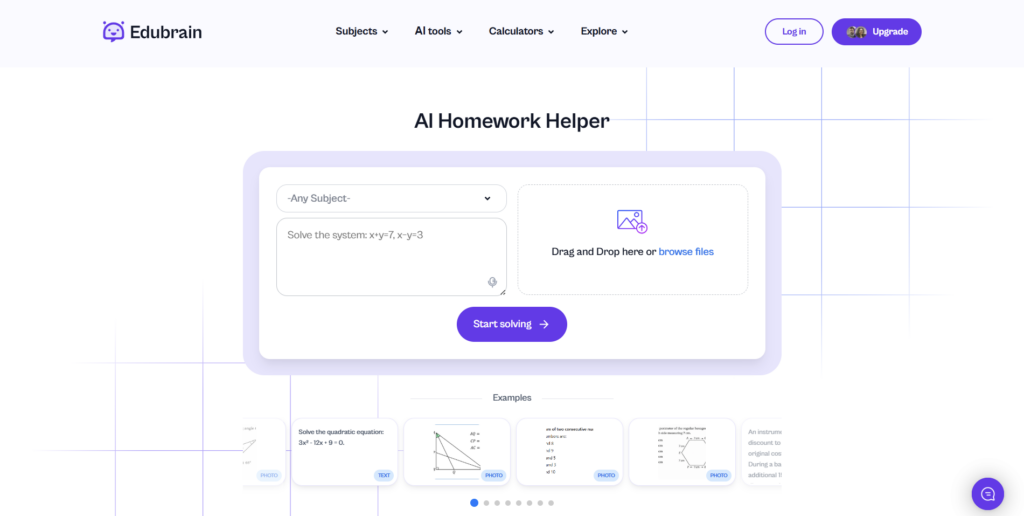
EduBrain is an all-in-one AI tool for students who need quick academic support. It combines homework help, flashcards, notes, and simple diagrams in one place. Students can also upload files and work with their own materials. On a busy evening, a student can handle math, history, and science tasks without switching tools. This free AI homework helper supports study efficiency by keeping tasks in one space. It reduces time loss and limits app switching. EduBrain fits students with tight schedules. It also helps those who manage many subjects at once or face constant deadlines.
Pros:
- Versatile set of tools
- Fast results
- Beginner-friendly interface
Cons:
- May lead to dependence on AI
- Limited depth for advanced academic work
Perplexity
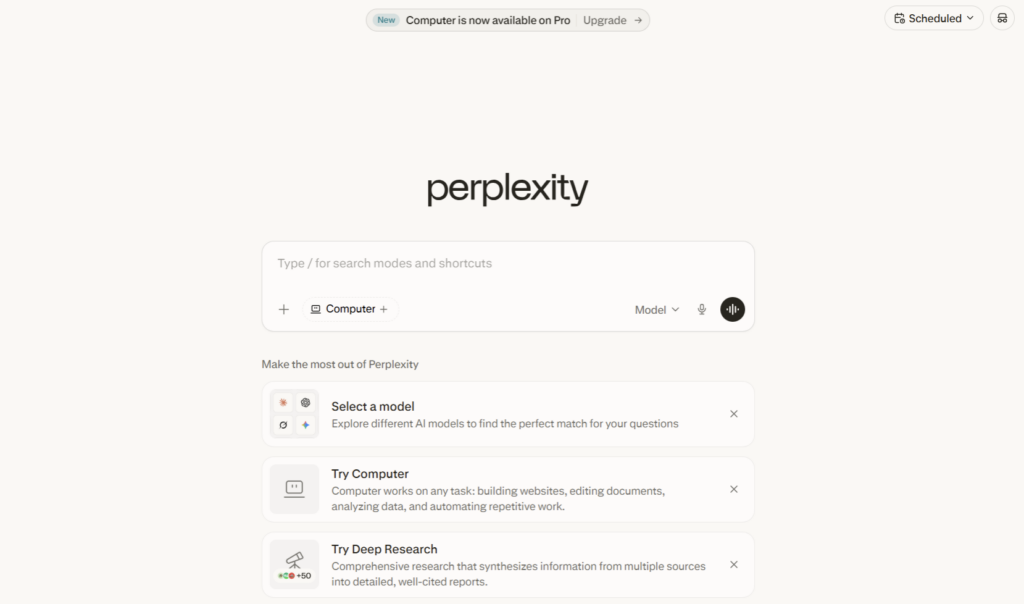
Perplexity is an AI search tool that provides answers with cited sources. It differs from traditional search engines, which often list links without clear summaries. Here, users get direct answers with references attached. A student writing an essay can quickly find reliable data and check sources at the same time. This helps verify facts without extra steps. The tool supports accurate research and lowers the risk of false information. It is useful for academic tasks that require clear evidence and trusted material.
Pros:
- Source-backed answers
- Fast research process
- Trustworthy outputs
Cons:
- Limited support for writing tasks
- Advanced features require a paid plan
Claude
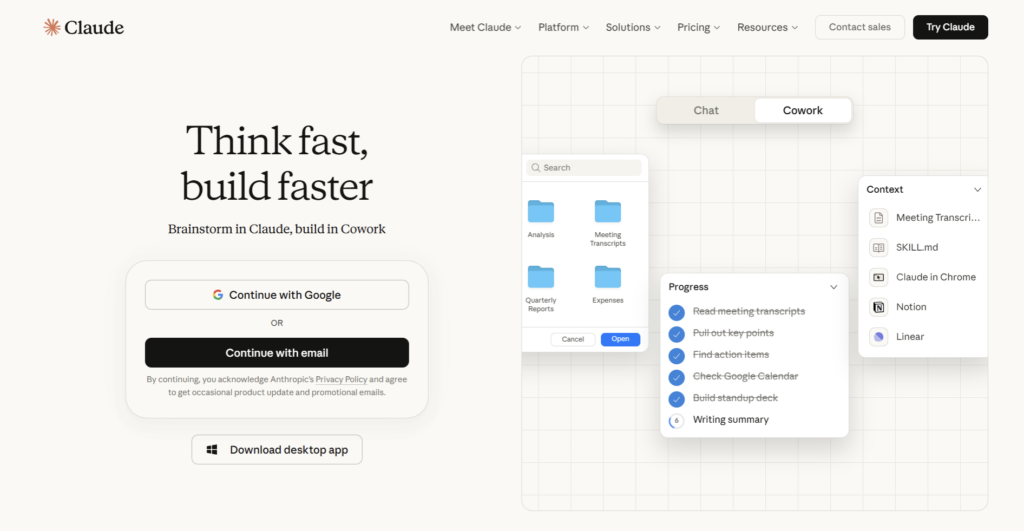
Claude is an AI tool built for a clear explanation of complex material. It works well with long texts and detailed content. Students can upload large readings or draft essays and receive structured feedback. For example, a student studying philosophy can paste a long passage and get a step-by-step explanation. This helps break down difficult ideas into simple parts. Claude is useful for subjects that require deep thinking, such as literature or social theory. It focuses on clarity and logical flow.
Pros:
- Clear and detailed explanations
- Handles long inputs well
- Structured responses
Cons:
- Can be slower at times
- Limited access in the free plan
Notion AI
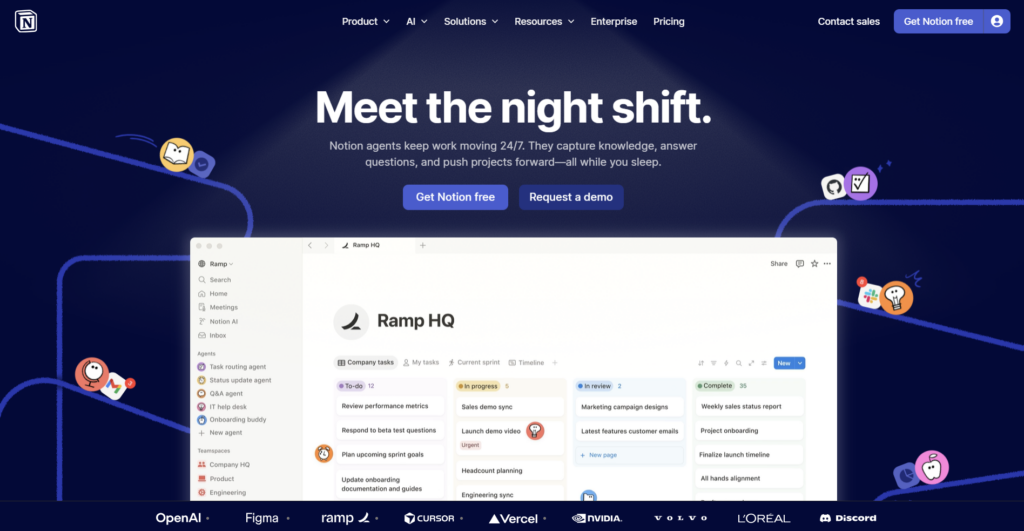
Notion AI is a centralized system that combines notes, planning, and AI support in one place. It includes databases, task tracking, and structured note pages. The AI can help write summaries, outlines, and study content. A student can plan a full semester here. Lectures, deadlines, and notes stay linked and easy to track. This setup supports long-term study habits and clear structure. Notion also allows deep customization, so users can build a system that fits their needs.
Pros:
- All in one workspace
- Highly customizable
- Scales with study needs
Cons:
- Takes time to learn
- Setup requires effort
Grammarly

Grammarly is an AI assistant that focuses on grammar and clear writing. It checks text for errors and suggests better phrasing. It also detects tone and offers simple rewrites. A student can use it before submitting an essay. It helps fix mistakes and improve clarity in a short time. This leads to more polished academic work. Grammarly is useful for reports, emails, and assignments where correct language matters. It supports writing quality but does not create full ideas from scratch.
Pros:
- Real-time feedback
- Easy to use across apps
- High accuracy
Cons:
- Premium features are limited
- Not suitable for idea generation
Read AI

Read AI is a tool that creates transcripts and summaries from meetings and lectures. It records spoken content and turns it into clear notes. Users can search key points later with ease. In a group project, students can review discussions without replaying long calls. It also helps during online lectures, where details are easy to miss. This saves time and keeps everyone on the same page. Read AI supports teamwork by making shared information clear and accessible.
Pros:
- Saves time on note-taking
- Improves group coordination
- Searchable content
Cons:
- Less useful for solo study
- Needs meetings or recorded input
StudyAITool
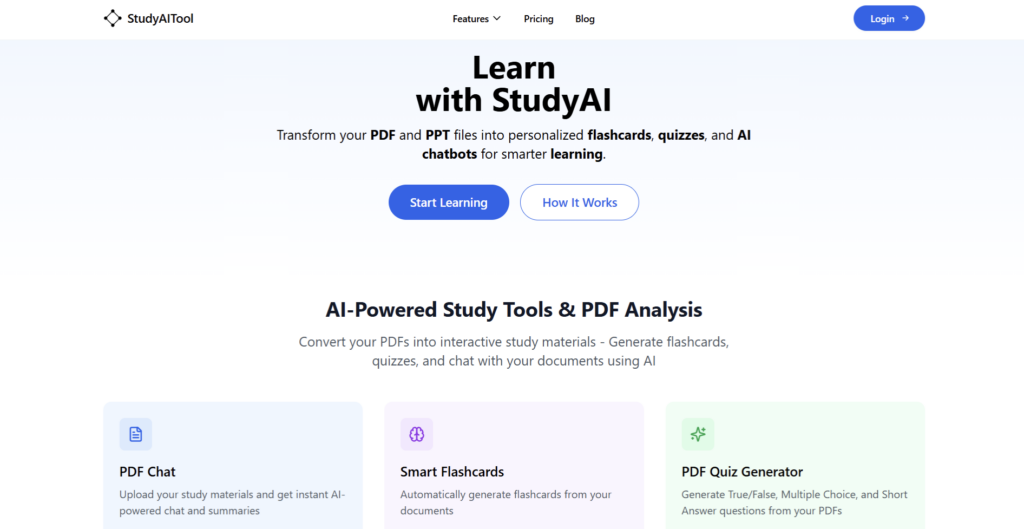
StudyAITool is an interactive assistant built around active learning. It focuses on learning through direct input and response. Students can upload PDFs and ask questions about the content. The tool also creates quizzes and flashcards from the material. A student can review lecture notes or textbook chapters in one place. This supports active recall and regular self testing. As a result, key ideas stay longer in memory. StudyAITool works best for exam preparation and daily revision.
Pros:
- Interactive study features
- Supports better retention
- Affordable pricing
Cons:
- Depends on input quality
- Less known compared to other tools
Microsoft To Do
Microsoft To Do is a simple task planner for daily study needs. It helps students create lists, set reminders, and mark priorities. A student can track homework, deadlines, and small tasks in one place. This keeps the day clear and structured. The tool is easy to use and does not require setup time like more complex systems. It also connects with other Microsoft services, which is useful for those already in that ecosystem. Compared to Notion AI, it focuses on basic planning without extra layers.
Pros:
- Free to use
- Easy to understand
- Reliable for daily tasks
Cons:
- Limited advanced features
- No deep AI support
Gamma
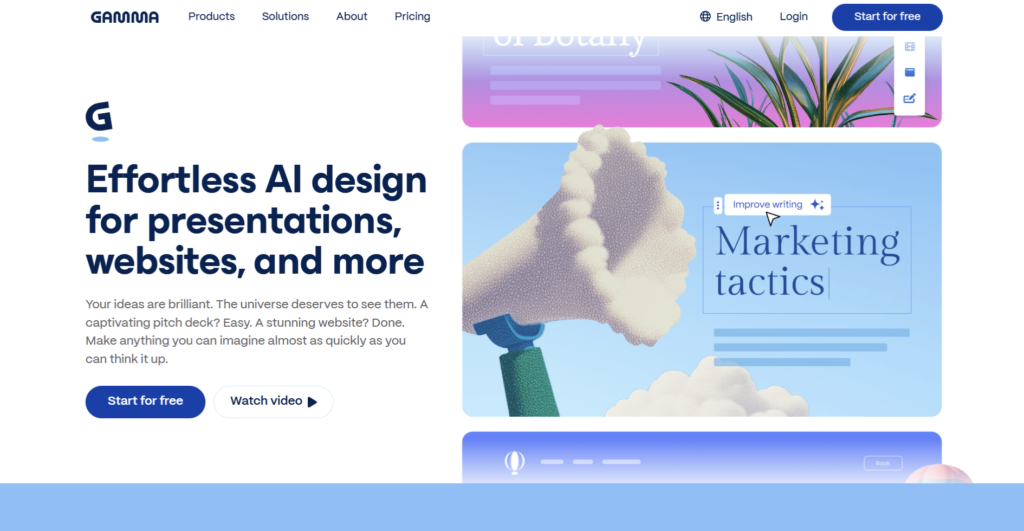
Gamma is an AI tool for creating presentations and visual study materials. It builds slides with text and layout in one step. Users can input a topic, and the tool prepares a clear structure. A student can use it before a class presentation with limited time. It helps turn notes into clean slides fast. The result is easy to read and ready to share with others. Gamma supports quick export and simple collaboration, which helps in group tasks.
Pros:
- Fast slide creation
- Clean visual design
- Easy export options
Cons:
- Limited control over design
- Pricing details are not clear
Quizlet
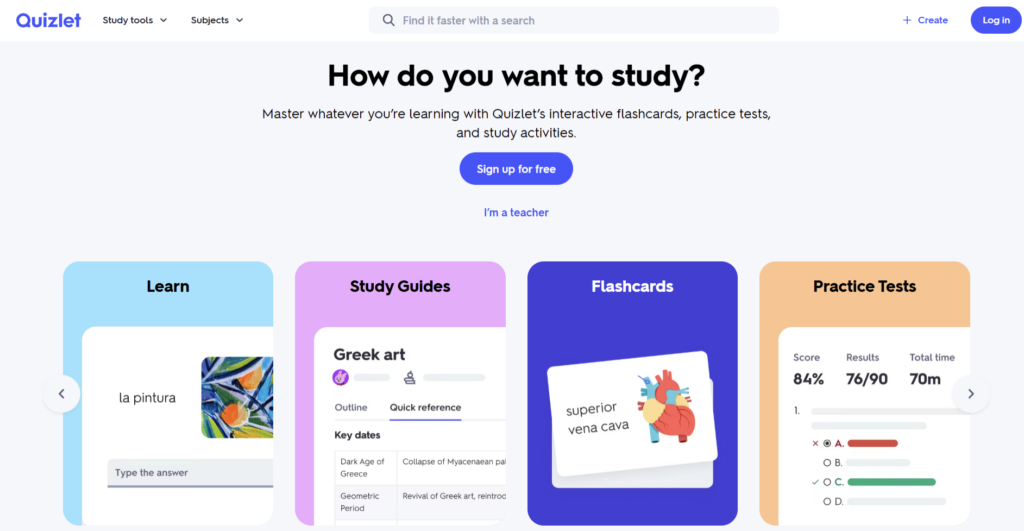
Quizlet is a study tool based on flashcards and repetition methods. It helps students learn through recall and regular review. Users can create their own sets or use content from a large shared library. The tool also offers quizzes and spaced repetition. A student can prepare for exams or learn new vocabulary with short daily sessions. This method supports memory over time and builds strong recall skills. Quizlet works best for subjects that require facts, terms, or definitions.
Pros:
- Proven study method
- Flexible study formats
- Large content library
Cons:
- Ads in free version
- Limited depth for complex topics
Conclusion
AI tools can support study, but they should not replace effort and focus. Each tool solves a different problem, so balance is key. Start with one or two tools that match your needs. Then add more only if needed. This helps avoid overload and keeps your system clear. A good mix of tools can improve productivity and reduce stress. The goal is simple: use AI to stay organized, save time, and keep control of your study process.